
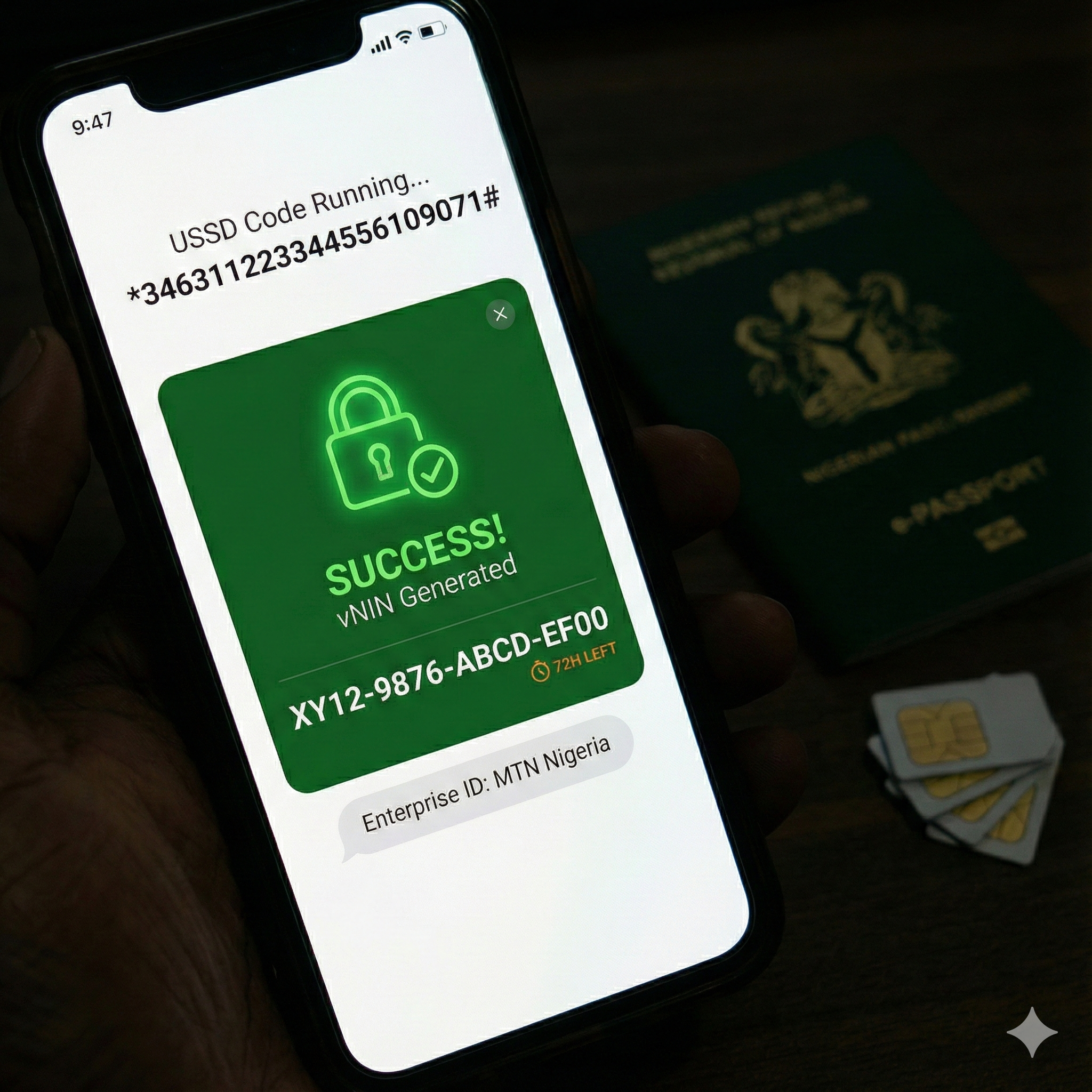
You have your 11-digit NIN. You have your plastic card (or paper slip). Yet, when you try to link it to your MTN SIM or apply for a Nigerian Passport, you get the dreaded error message:
“Verification Failed” or “Record Not Found.”
In 2026, this is rarely because your NIN is fake. It is usually because you are trying to use your Raw NIN in a system that now demands a Virtual NIN (vNIN).
To protect citizens from identity theft, the National Identity Management Commission (NIMC) has introduced Tokenization. This means third-party companies (like MTN, Airtel, or Immigration) are no longer allowed to store your actual 11-digit NIN. Instead, they must use a temporary, encrypted token called vNIN.
This guide explains the “Magic Formula” to generate these tokens and how to fix your identity if it has gone “Dormant.”
The Concept: What is a vNIN?
Think of your NIN as your Bank Account Number (Permanent).
Think of the vNIN as a One-Time OTP (Temporary).
- Structure: It is a 16-character alphanumeric code (e.g.,
AB12-3456-7890-XY). - Security: If a hacker steals your vNIN, they cannot do anything with it because it expires.
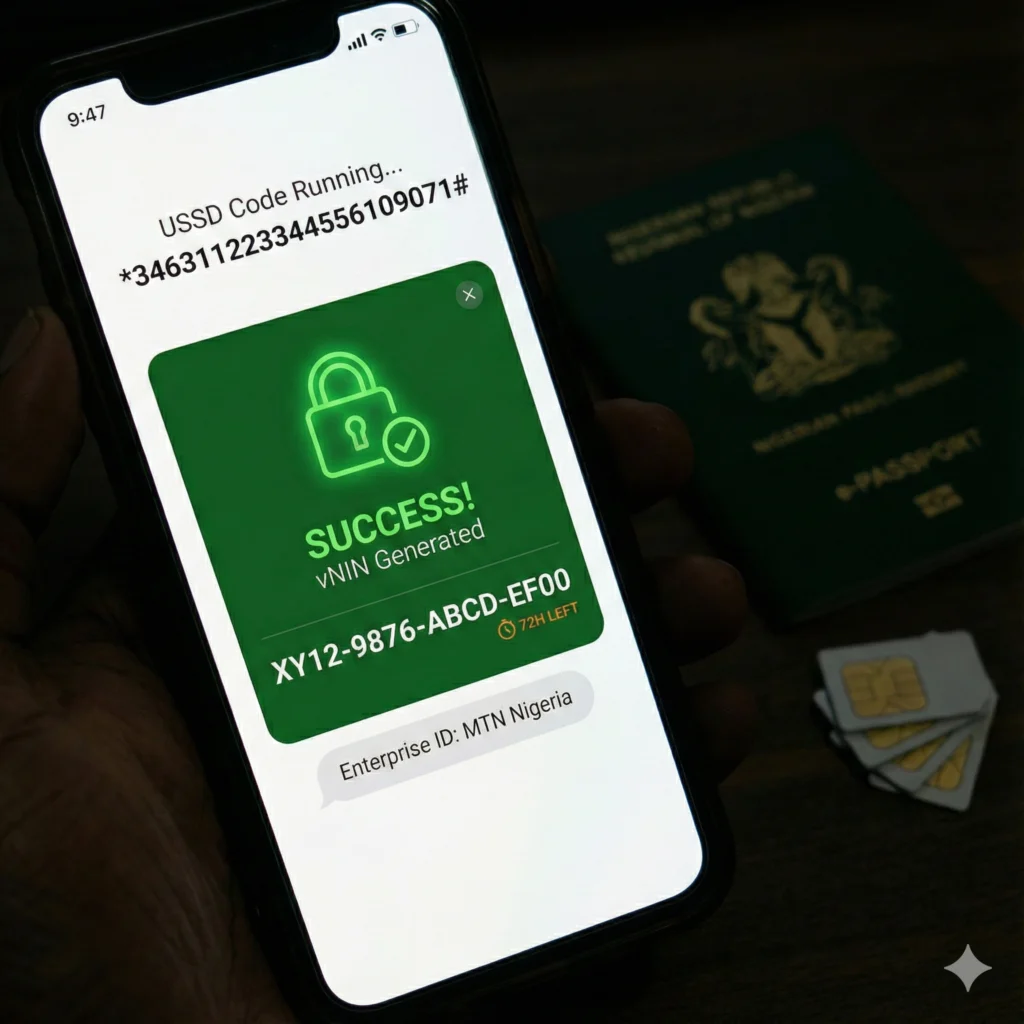
- Expiry: A vNIN is only valid for 72 Hours. Do not generate it today if your Passport appointment is next week.
The Magic Formula: USSD Enterprise Codes (3463#)
You don’t need internet to generate a vNIN. You just need the specific Enterprise ID of the company you are trying to verify with.
The Universal Formula:
Dial: *346*3*YourNIN*EnterpriseID#
(Example: If your NIN is 12345678901 and you want to verify for MTN, you dial: *346*3*12345678901*109071#)
Vital Enterprise IDs List (2026)
Save these codes. They are the keys to bypassing validation errors.
| Service Provider | Enterprise ID | Direct USSD Code (Shortcut) |
| MTN Nigeria | 109071 | *346*3*YourNIN*109071# |
| Airtel Nigeria | 121097 | *346*3*YourNIN*121097# |
| Glo (Globacom) | 004085 | *346*3*YourNIN*004085# |
| 9mobile | 002387 | *346*3*YourNIN*002387# |
- Note: Generating a vNIN via USSD costs N20 from your airtime balance.
For Immigration (Passport): Do NOT Use USSD
This is where 90% of people make a mistake.
There is NO public USSD Enterprise ID for the Nigeria Immigration Service (NIS).
If you try to guess a code, you will waste your money.
For International Passport application or renewal in 2026, you must use one of these two methods:
- Method A (The App – Recommended):
- Download the NIMC MobileID App.
- Click “Get Virtual NIN”.
- Select “Search Enterprise” and type “Nigeria Immigration Service”.
- The app will generate the specific code for the passport officer to scan.
- Method B (The QR Code):
- Print your Improved NIN Slip (the one with the QR code we discussed in Page 3).
- Take it to the Passport Office. The officer will scan the QR code directly to verify you.
Troubleshooting: “Record Not Found” or “NIN Dormant”
If you dial the correct code and get an error saying “Record Not Found” or “Validation Failed,” your NIN might be Dormant.
A NIN becomes dormant if:
- Incomplete Registration: Your biometrics (fingerprints) were not uploaded properly to the central server during enrollment.
- Child to Adult: You enrolled as a minor (under 16) and have turned 16, but haven’t updated your biometrics.
The Solution: Revalidation
You cannot fix a dormant NIN online.
- Visit a NIMC Center: You must physically visit a NIMC office (not a bank agent).
- Request “Revalidation”: Tell the officer your NIN is “Dormant” or “Not Verifying.”
- Biometric Capture: They will re-capture your fingerprints and face.
- Timeline: Once re-captured, it takes 48 to 72 hours for the NIN to become active again globally.
Conclusion
In 2026, never give your raw 11-digit NIN to a random website or agent. Always generate a vNIN using the codes above. It is safer, faster, and guarantees that your verification will pass.