
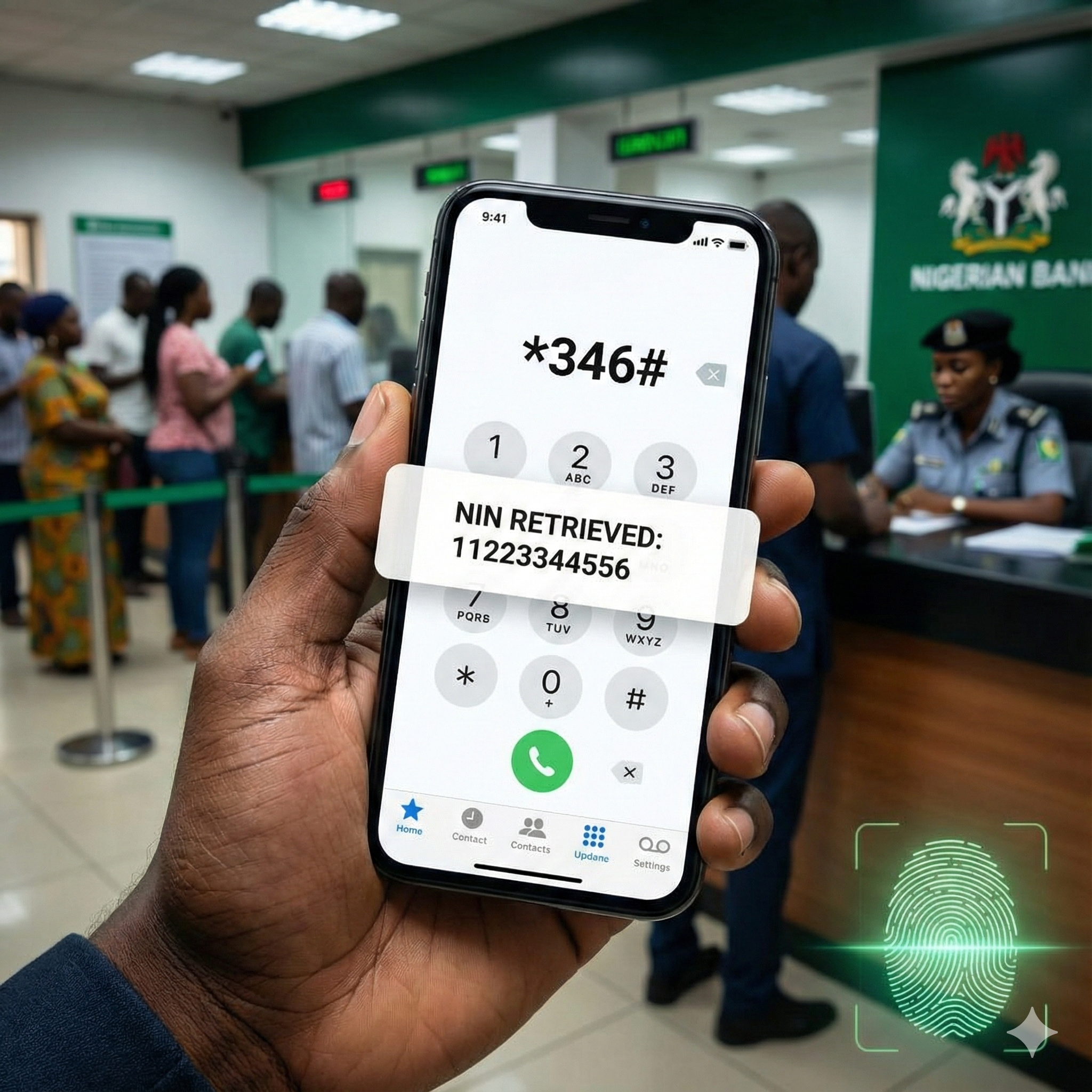
It is the classic Nigerian nightmare: You are standing at the bank counter, trying to link your BVN, or perhaps you are at the Immigration office for your International Passport. The officer looks at you and asks for your NIN (National Identity Number).
You check your wallet. The slip is gone. Or maybe you have the paper, but the ink has faded so badly that the 11 digits are unreadable.
In the past, this situation meant a long, sweaty trip to a NIMC office, waking up at 5 AM to join a queue. Fortunately, as we step into 2026, the National Identity Management Commission (NIMC) continues to support the unified USSD infrastructure that allows you to retrieve your ID instantly, right from your mobile phone.
This guide is your complete 2026 handbook on how to check, retrieve, and verify your NIN number using the *346# code across all major networks (MTN, Glo, Airtel, and 9mobile). We will also cover why the code might fail and what to do if you have lost your SIM card.
The Golden Code: What is *346#?
For 2026, the official USSD code for all NIN-related mobile services remains *346#.
This is a Unified Shortcode mandated by the NCC. It does not matter if you are a subscriber of the “Yellow Network” (MTN), the “Red Network” (Airtel), or “Grandmasters of Data” (Glo). The code is exactly the same everywhere.
Who Can Use This Code?
- Smartphone Users: Android and iOS.
- Feature Phone Users: It works perfectly on “torchlight” or “button” phones (Nokia 3310, etc.). No internet connection is required.
Step-by-Step: How to Retrieve Your NIN via USSD
Follow this precise process to get your 11-digit identity number back in seconds. Do not skip steps, or you might be charged without getting your number.
1. Use the Right SIM Card You must dial this code from the exact phone number you used when you first registered for your NIN.
- Scenario: If you registered for your NIN in 2019 using an MTN line, but now you use an Airtel line, dialing from Airtel will not work. The system links your ID to the specific phone number provided at the point of enrollment.
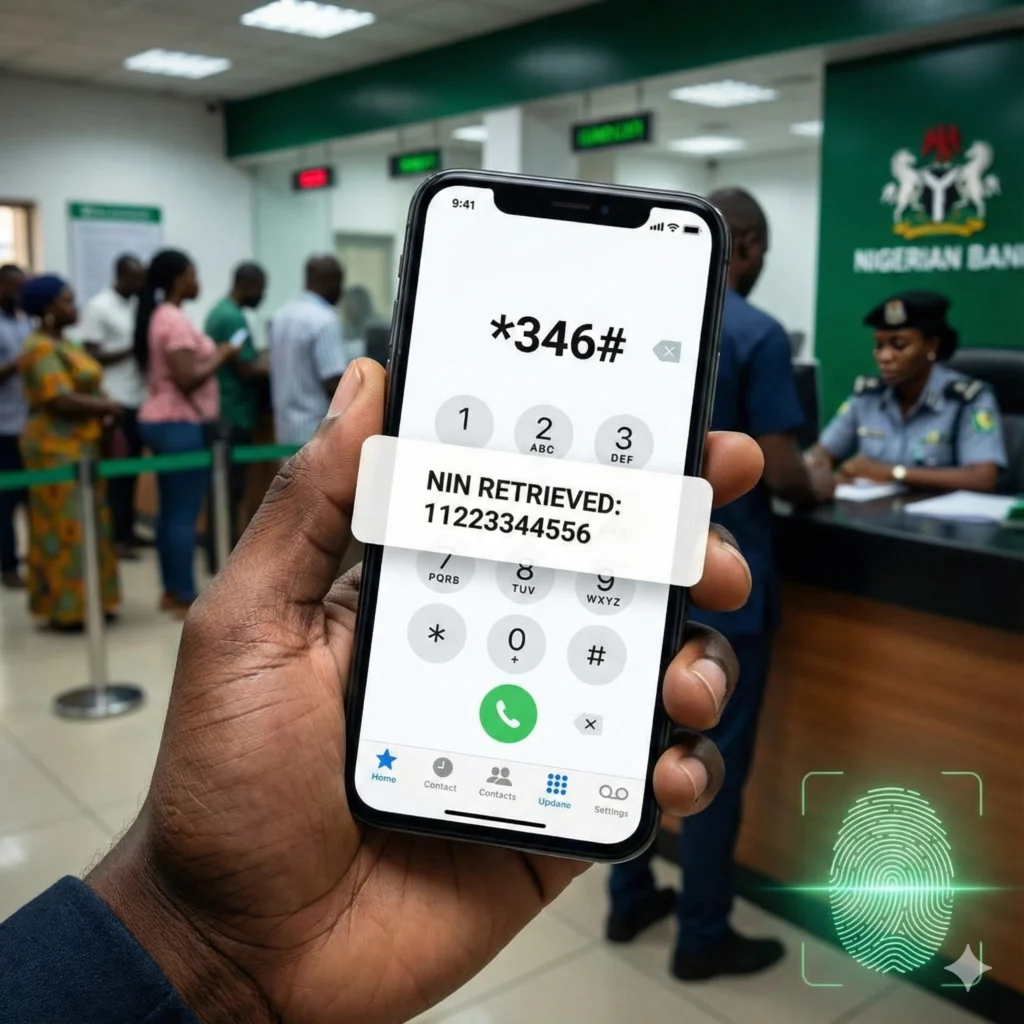
2. Dial the Code On your phone dialer, type *346# and press the call button.
3. Navigate the Menu A menu will pop up on your screen with several options:
- Option 1: NIN Retrieval (This is what you want).
- Option 2: Virtual NIN (vNIN) (Used for SIM linking/Passport validation).
- Other Options: Search for Agent, Error Reporting.
Reply by typing “1” and press Send.
4. Accept the Service Fee The system will display a prompt informing you that N20 will be deducted from your airtime balance. Reply “1” to confirm you accept the charge.
5. Capture the Number Your 11-digit National Identity Number will appear on the screen. CRITICAL WARNING: The number will not stay there forever. It usually disappears after 5 to 10 seconds for security reasons.
- Screenshot it immediately.
- If you are on a button phone, write it down instantly.
- If it disappears before you save it, you will have to pay another N20 to view it again.
The Hidden Cost: The “N20 Naira” Trap
We receive hundreds of comments from frustrated users saying: “I dialed the code, but it says Connection Error or MMI Code Invalid.”
90% of the time, the problem is your Airtime Balance.
The NIMC USSD service is NOT FREE. It is a premium service.
- Cost: N20 (Twenty Naira) per successful retrieval.
- The Trap: If you have N0.00 or N10.00 in your main account, the network will not tell you “Insufficient Funds.” It will simply throw a generic error message like “Connection Failed” or “System Busy.”
The Solution: Before you dial *346#, ensure you have at least N50 to N100 airtime on your main balance. Do not rely on “Bonus Credit” or “Data Bonus”; the system needs real airtime to deduct the fee.
The Myth: “Can I Check My NIN by Name Online?”
This is the most dangerous misconception in 2026. Many fraudulent websites claim: “Enter your First Name and Last Name here to find your NIN!”
The Truth: There is NO public website where you can search for a NIN using just a name. The NIMC database is a high-security government asset. If it were searchable by name, scammers could easily steal the identities of millions of Nigerians to commit bank fraud.
Avoid Scams:
- Never input your BVN or personal details on any website that is not nimc.gov.ng or the official NIMC Mobile App.
- If you have lost your number and the USSD code fails, no website can help you. You must visit a physical center.
Troubleshooting: Why is *346# Not Working for Me?
If you have N100 airtime and the code still fails, you are likely facing one of these three specific technical issues. Here is how to fix them.
1. The “Record Not Found” Error
- The Cause: You are dialing from a phone number that is not linked to your NIN profile.
- The Reality: Many Nigerians have multiple SIM cards. You might have registered with your “Old Glo” line, but you are dialing from your “New MTN” line.
- The Fix: Try dialing the code from every SIM card you own (and your spouse’s/parents’ phones if you might have used theirs). If none work, you must go to a NIMC center to update your phone number.
2. The “Lost SIM” Scenario
- The Scenario: You registered with an MTN line in 2020. You lost that phone in 2024. Now you have a new line.
- The Truth: Dialing *346# from your new line will return nothing.
- The Solution: You have two options:
- SIM Swap: Go to your network provider (MTN/Airtel) and do a “Welcome Back” to retrieve your old number. Once the old line is active, dial *346#.
- Modification: Go to a NIMC center with your birth certificate and do a “Data Modification” to update your NIN profile with your new phone number. (This costs money—see our guide on Fees).
3. Network Congestion
- The Cause: NIMC servers handle millions of requests. Sometimes, they simply time out.
- The Fix: If you get “System Busy,” do not spam the code immediately. Wait 30 minutes and try again.
NIN vs. National ID Card: What Do You Actually Need?
As we navigate 2026, it is vital to understand that the Number (NIN) is more important than the Card.
- The NIN (11 Digits): This is your identity. It is what banks, embassies, and JAMB require. If you have this number via *346#, you are covered.
- The Card (Plastic): This is just a physical token. The government has largely shifted focus to the Digital ID (App) and the Improved NIN Slip.
Summary Checklist for Success:
- Identify the SIM used during registration.
- Recharge at least N50 airtime.
- Dial *346# and select Option 1.
- Screenshot the number immediately.
Next Step: Now that you have recovered your number, you probably want a physical document to present at the bank. The plastic cards are scarce, but you can print your own official ID at home.