
If you registered for your National ID in 2015, 2020, or even yesterday, you likely have the same question as millions of other Nigerians: “When will my plastic card be ready?”
The honest answer for 2026? Probably never.
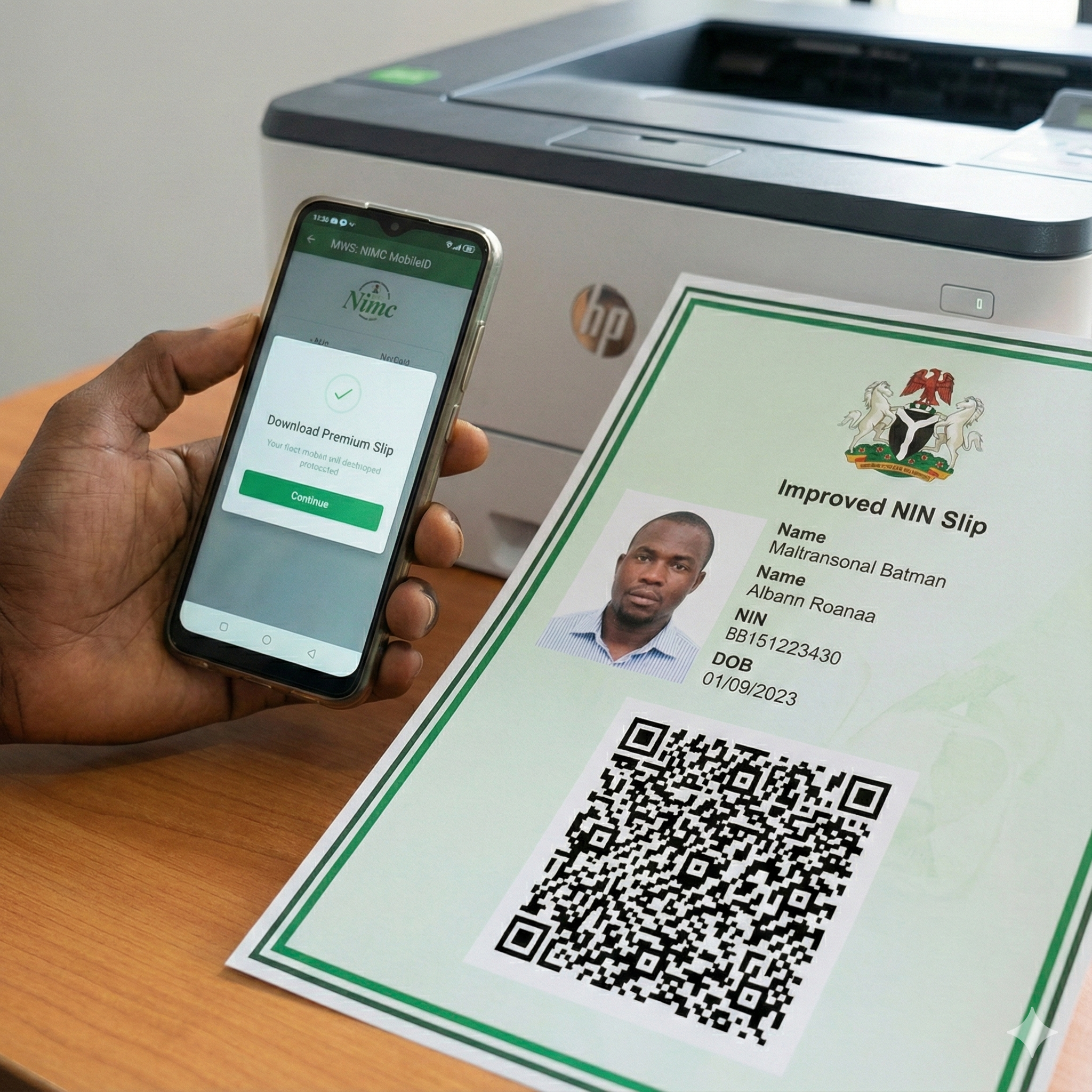
The National Identity Management Commission (NIMC) has largely shifted away from printing millions of General Multi-Purpose Cards (GMPC). Instead, they have introduced the Improved NIN Slip.
This is a high-security, digital-first document that you can download as a PDF, print in color, and laminate yourself. It is legally accepted by Immigration (NIS), Banks, and Embassies.
If you are tired of carrying that flimsy piece of white paper that is falling apart, this guide will teach you how to access the NIMC Mobile Web Service (MWS) app, pay the N1,000 fee, and print your permanent ID at home.
Step 1: Download the MWS: NIMC MobileID App
The first step is getting the right software. There are many fake apps on the Play Store claiming to be “NIMC Tools.” Do not download them. They are data-harvesting scams.
The Official Links:
- Android Users: Search for “MWS: NIMC MobileID” on the Google Play Store.
- iPhone Users: Search for “MWS: NIMC MobileID” on the Apple App Store.
Note: The app developer should be listed as “NIMC Mobile ID Team.”
Step 2: The Login Secret (Why Your Number Fails)
This is where 80% of users give up. You open the app, enter your phone number, and… nothing. No OTP. Error messages.
The Secret: The app is extremely sensitive to the phone number linked to your NIN. If you have lost that number, you cannot log in.
The UserID Hack: If the app refuses to accept your phone number login, check your Original NIN Slip (the long white paper you got when you enrolled). Look for a field labeled “UserID”. It is usually a distinct alphanumeric code.
- Using the UserID to log in is often more stable than using the phone number.
- If you don’t have the slip, try dialing *346# to retrieve your NIN and use the NIN itself as the primary identifier during the app setup.
Step 3: Standard vs. Premium Slip (Which One Do You Need?)
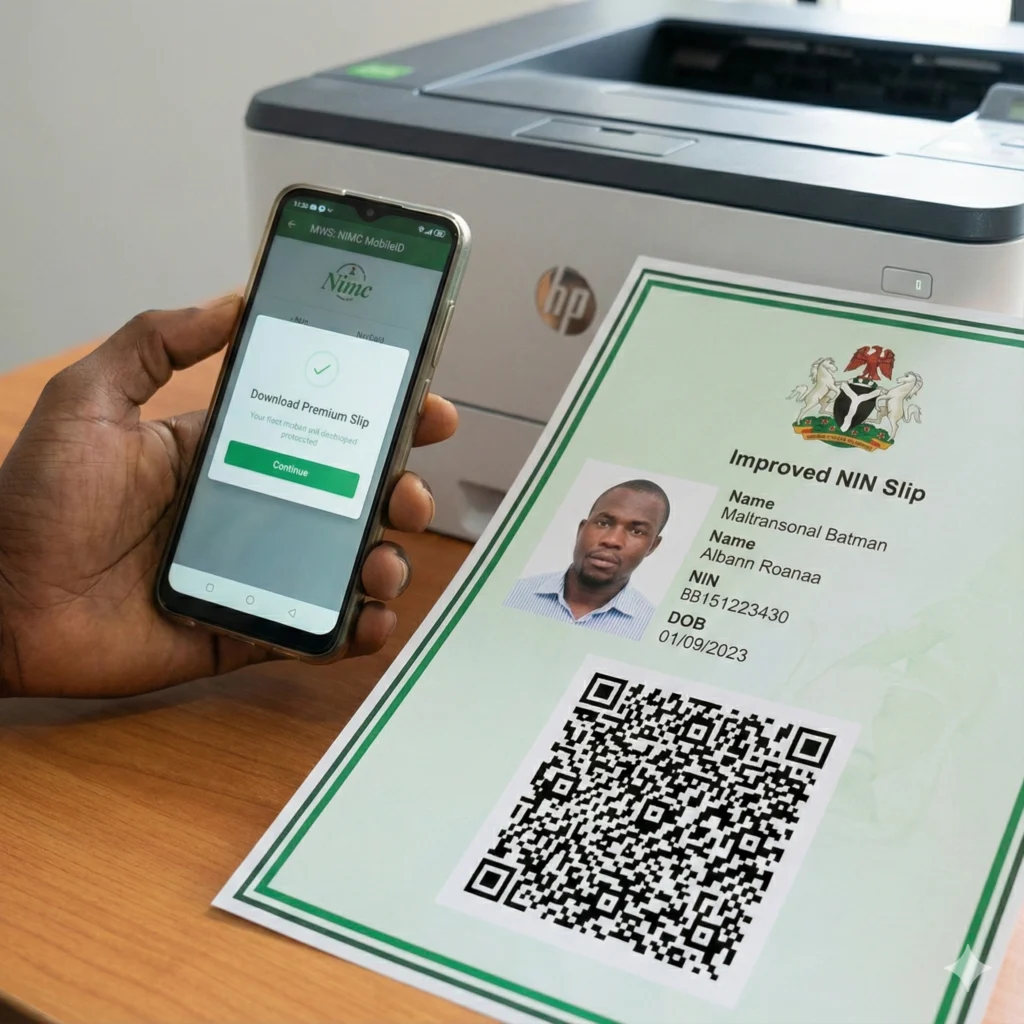
Once you successfully log in to the app dashboard, you will see a button labeled “Print NIN Slip”. When you click it, you are faced with two choices. Here is the difference:
1. Standard Slip (The Basic)
- Cost: Approx. N400.
- Appearance: Black and white. It looks like the old slip but with a QR code.
- Verdict: Good for basic verification, but doesn’t look like an ID card.
2. Premium Slip (The Plastic Replacement)
- Cost: Approx. N1,000.
- Appearance: Full Color. It has the Nigerian Green-White-Green flag background. It is designed to be cut out and laminated to look exactly like a plastic ID card.
- Verdict: Go for this one. It is the “Official” document requested by Passport Officers and Bank Managers in 2026.
Step 4: How to Pay and Download (In-App Tutorial)
You cannot print for free. You must pay the government fee via Remita, which is integrated inside the app.
- Select “Print Premium Slip”.
- Click “Pay with Remita”. The app will redirect you to a payment page.
- Enter Card Details: You can use your Verve, Mastercard, or Visa.
- Confirm Payment: Once successful, do NOT close the app immediately. Wait for the redirect.
- Download PDF: A button will appear saying “Download Slip”.
- Crucial Tip: Do not try to print directly from your phone to a wireless printer. It often messes up the dimensions. Save the PDF to your phone files first. Then, transfer it to a computer or send it to a business center to print.
Step 5: The Power is in the QR Code
Why does the government prefer this paper over the plastic card? The QR Code.
The new Improved NIN Slip contains a cryptographically signed QR Code.
- When a bank manager scans this code, they see your live data from the NIMC server.
- Printing Warning: When you print your slip (or laminate it), ensure the QR code is crystal clear. If you laminate it with cheap plastic that creates bubbles or reflections over the QR code, the scanner will fail, and the document will be rejected.
Conclusion
Stop waiting for the government to call you for plastic card collection. In 2026, the Premium Improved NIN Slip is the standard.
Download the app, pay the N1,000, print it on high-quality card paper, and laminate it. You now have a valid National ID Card.