
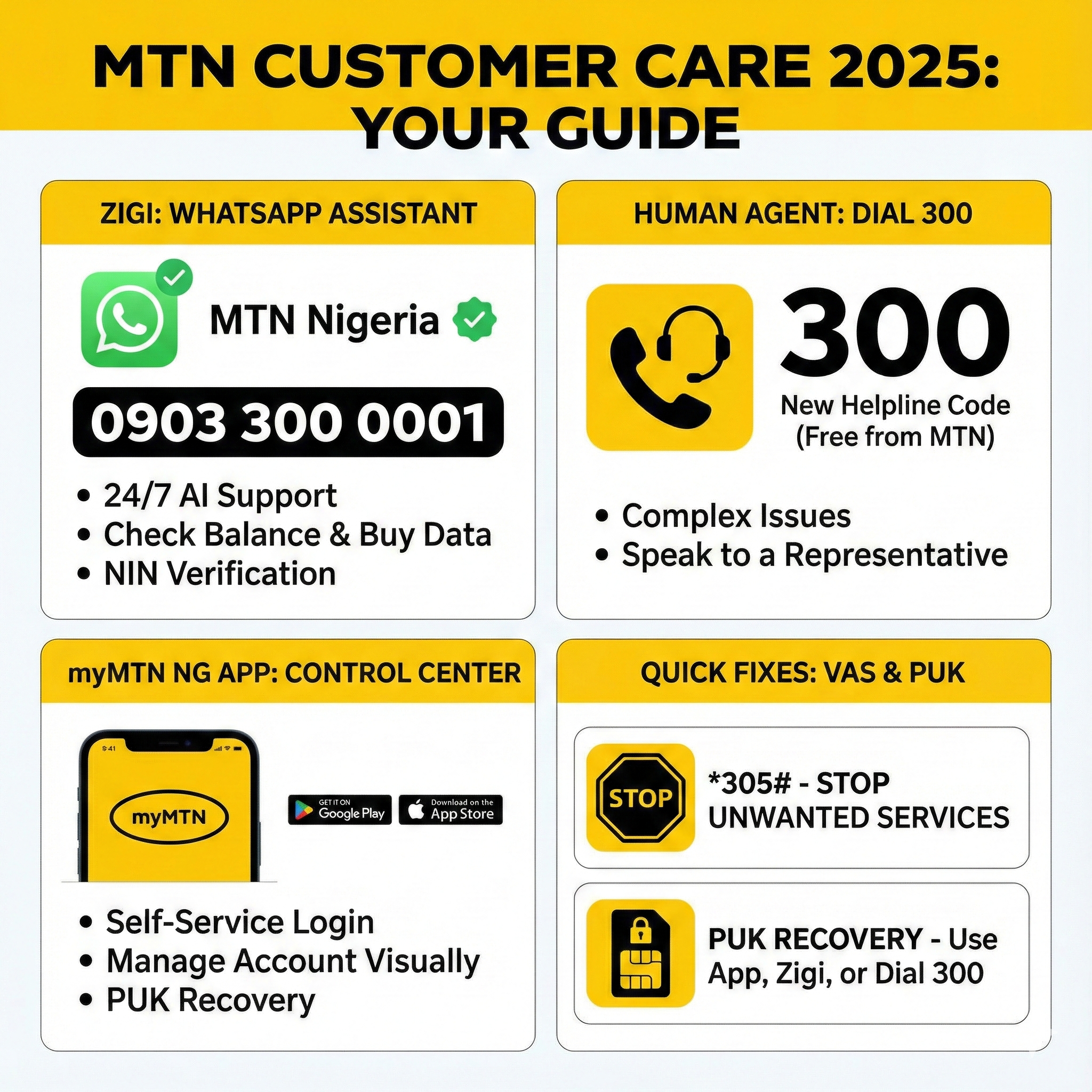
There is nothing more frustrating than watching your airtime disappear mysteriously, or buying a data bundle that fails to activate, and then spending 30 minutes listening to elevator music while waiting for a customer care agent to pick up your call.
In 2025, the way we interact with MTN support has changed. With over 70 million subscribers in Nigeria, it is physically impossible for MTN to answer every phone call instantly. That is why they have shifted their focus to Self-Service Channels and AI Automation.
If you are still dialing the old codes and getting frustrated, you are doing it the “old way.” The “new way” involves chatting with Zigi, using the App, or dialing the new harmonized helpline.
In this guide, we provide the direct contacts, the WhatsApp numbers, and the login tricks to get your complaints resolved in minutes, not hours.
1. Meet Zigi: The MTN Online Assistant (WhatsApp)
The fastest way to get help today is not by calling, but by chatting. MTN introduced Zigi, an AI-powered digital assistant that lives on WhatsApp.
Zigi is available 24/7. She doesn’t sleep, she doesn’t go on break, and she doesn’t judge you for forgetting your PUK code.
The Official Zigi Number
Save this number to your contacts immediately: 0903 300 0001
How to Start a Chat:
- Save
0903 300 0001as “MTN Zigi” on your phone. - Open WhatsApp and search for the contact.
- Type “Hello” or “Hi”.
- Zigi will respond with a menu of options.
What Can Zigi Do?
Zigi is surprisingly powerful. You don’t need to speak to a human for these tasks:
- Check Balances: Instantly see your airtime and data balance.
- Buy Airtime/Data: Top up directly within WhatsApp.
- NIN Verification: Check your linkage status.
- Create Tickets: If Zigi can’t fix it, she can log a formal complaint ticket for a human team to review.
Security Warning: Look for the Green Verified Badge next to the name “MTN Nigeria” on WhatsApp. Scammers often create fake support profiles. If the number is not 0903 300 0001, block it.
2. Speaking to a Human Agent: The New Code (300)
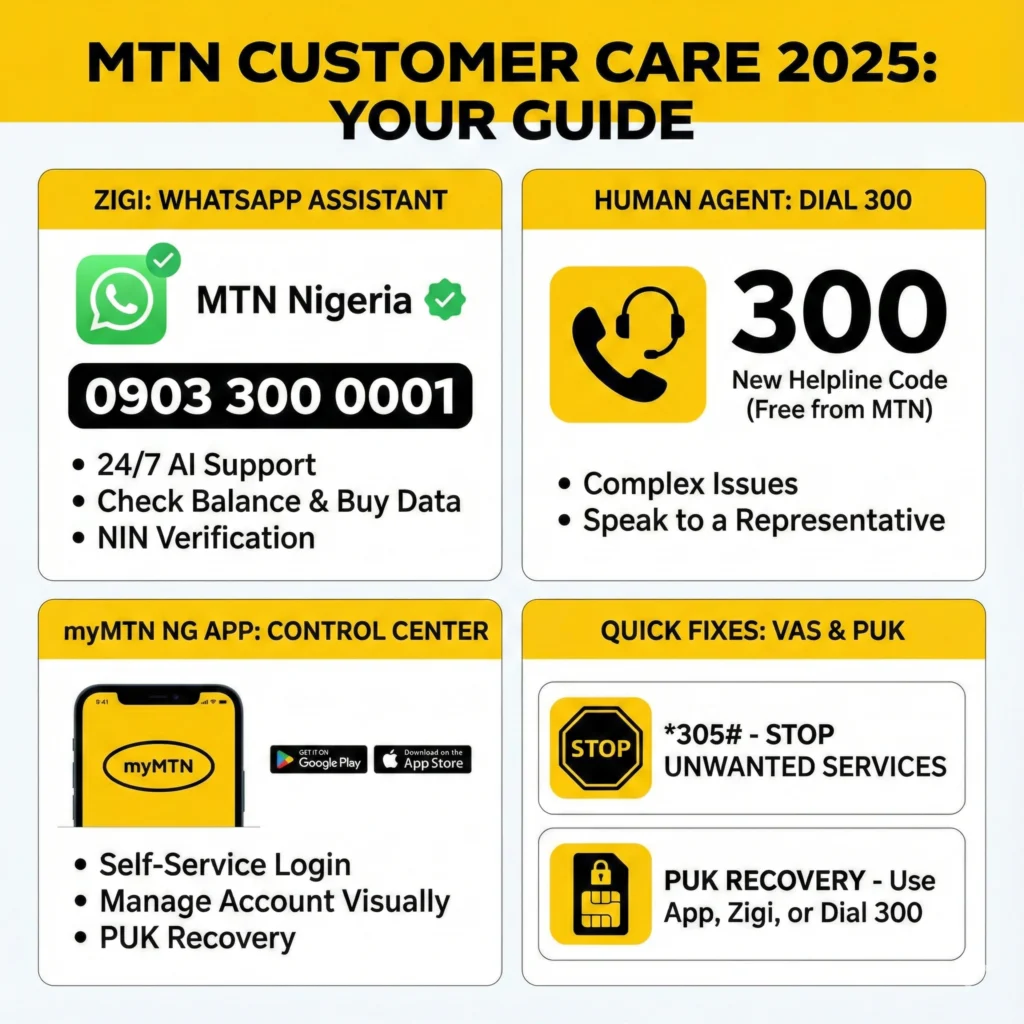
Sometimes, a bot just isn’t enough. If you have a complex billing dispute or a technical error that requires human logic, you need to call the Call Center.
The Harmonization Update: For years, the code was 180. However, per the NCC Harmonization directive, the customer care code has changed for all networks.
- The New Code: 300
How to reach a human faster (The Shortcut): Phone menus change often, but generally, to bypass the long automated messages:
- Dial 300.
- Listen to the language option (Press 1 for English, 2 for Pidgin, etc.).
- The system will try to sell you services or tell you your balance. Ignore it.
- Listen for keywords like “Inquiries” or “Speak to an Agent”. Usually, this is the last option in the main menu (often number 9 or 0).
Pro Tip: Calling 300 is free from an MTN line. If you are calling from another network (Airtel/Glo) or from abroad, you need to dial +234 803 100 0300, and you will be charged standard call rates.
3. MyMTN NG App: Login and Management
For the smartphone generation, the myMTN NG App is the control center. It allows you to manage your account visually without memorizing USSD codes.
How to Download and Login
- Go to the Google Play Store (Android) or Apple App Store (iOS).
- Search for “myMTN NG”. (Ensure it is the Nigerian version, not the Ghanaian or South African one).
- Login: Enter your MTN Phone Number.
- OTP: You will receive a 6-digit One Time Password via SMS. Enter it to verify.
Common Login Problems & Fixes
- “OTP Not Received”: This is common during network congestion. Ensure your SIM is active and can receive regular SMS. If it fails, try turning “Airplane Mode” on and off.
- “Account Suspended”: If you see this, it likely means your NIN is not linked. Refer to our NIN Guide (Page 4).
- “MTN Engage” Confusion: Don’t confuse the main app with “MTN Engage”. Engage is a feature within the ecosystem for content, rewards, and community interaction. For account management (data/airtime), stick to the main myMTN NG dashboard.
4. The “Money Saver”: Stopping Unwanted Services (VAS)
This is the #1 complaint in Nigeria: “MTN is stealing my credit.”
Usually, MTN is not stealing your credit. You (or your children) likely subscribed to a Value Added Service (VAS) by accident. These are services like Daily Horoscopes, Betting Tips, Caller Tunes, or Health Facts that deduct N50 or N100 daily.
How to Cancel EVERYTHING (*305#)
You don’t need to call support to stop this. You can use the VAS Manager.
- Dial *305#.
- Select “My Active Services”. The system will list everything charging your account.
- Select “Unsubscribe” or “Stop All”.
Alternatively, you can send the keyword STOP to 131 via SMS, though the *305# menu is more effective for third-party subscriptions.
5. PUK Code Recovery: Unlocking Your SIM
If you entered your SIM PIN incorrectly 3 times, your SIM gets locked and asks for a PUK Code (Personal Unblocking Key). If you guess the PUK wrong 10 times, your SIM is permanently destroyed. Do not guess.
How to get your PUK immediately:
- Via myMTN App: If you are logged in (or have another phone logged in), go to “Profile” > “Account Settings” > “PUK”.
- Via Zigi (WhatsApp): Chat with Zigi (0903 300 0001) and type “PUK”. She will ask for verify your identity (usually by asking for frequent numbers you call or the amount of your last recharge).
- Via Another MTN Line: Dial 300 from a friend’s phone, select “PUK Request”, and follow the voice prompts. You will need to provide the phone number of the locked SIM.
6. Social Media Support (Twitter/X)
If calls fail and Zigi is confusing, the most responsive human team is on X (formerly Twitter).
- Handle: @MTN180 (MTN Support).
- Strategy: Tweet your complaint and tag them. They usually ask you to send a DM (Direct Message) with your number. This is often faster than the call center because the social media team is separate from the phone team.
Conclusion
In 2025, you have options.
- For quick balance checks and buying data: Use Zigi (0903 300 0001).
- For stopping credit deductions: Dial *305#.
- For complex disputes: Dial 300 or use the myMTN NG App.
Don’t let frustration ruin your day. Use the right channel for the right problem.