
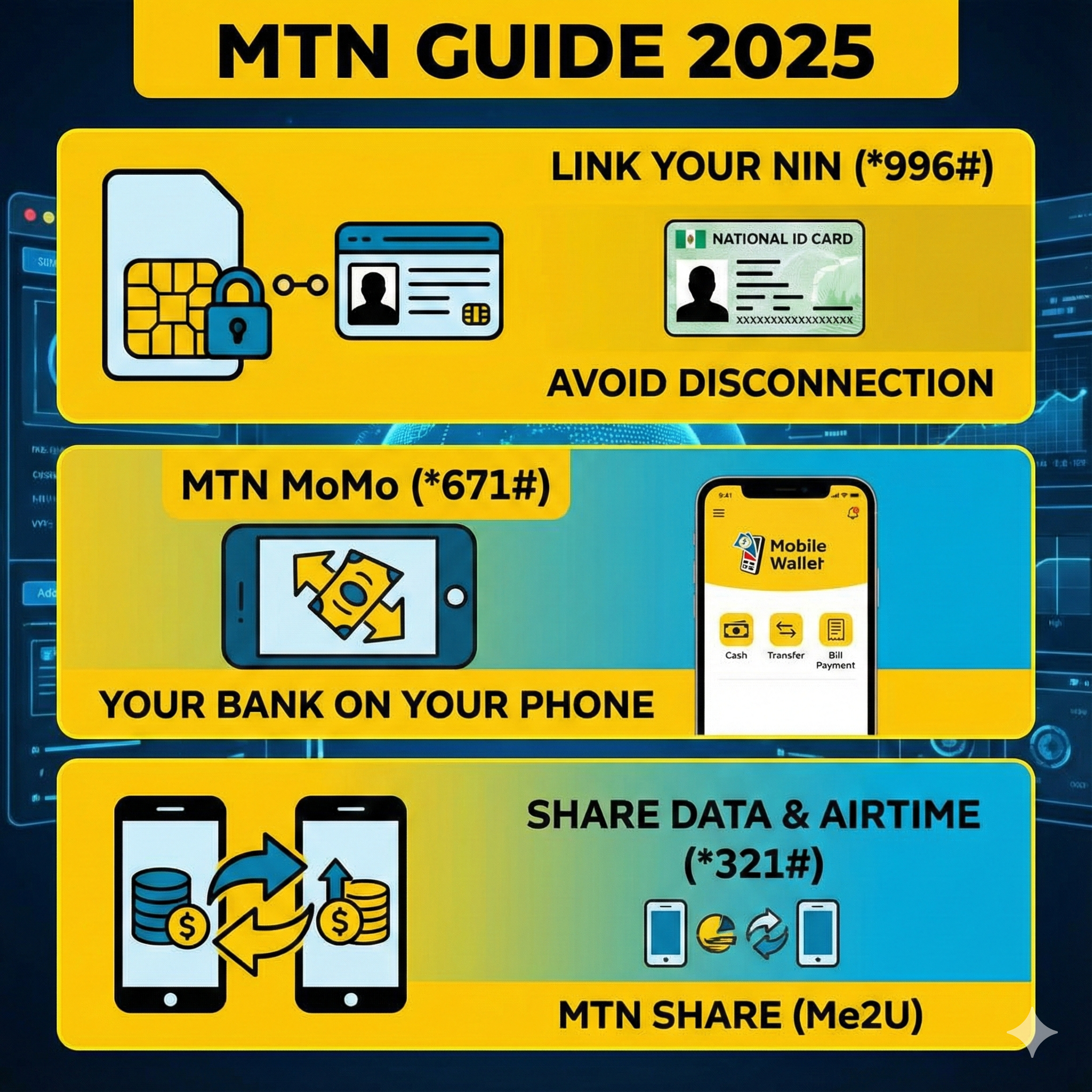
In the Nigerian telecommunications landscape of 2025, your SIM card is no longer just a chip for making calls; it is your digital identity and your bank account rolled into one.
However, with great power comes strict regulation. The Nigerian Communications Commission (NCC) has made it clear: if your National Identity Number (NIN) is not linked to your SIM, you will be barred from making calls, sending texts, or browsing the internet.
At the same time, the Central Bank of Nigeria (CBN) has pushed for a cashless economy, giving rise to MTN MoMo (Mobile Money), a powerful tool that allows you to bank without a traditional bank account.
This guide covers the “Adulting” side of owning an MTN line. We will walk you through the critical steps to save your line from disconnection, set up your mobile wallet, and manage your credit transfers securely.
Part 1: The Red Alert – Linking Your NIN (*996#)
Let’s address the elephant in the room. If you are reading this and you haven’t linked your NIN yet, your line is a ticking time bomb. The NCC deadline has passed, and massive disconnections are ongoing.
Why is this happening?
The government requires every SIM card to be tied to a verified identity to curb cybercrime, kidnapping, and fraud.
Method 1: The USSD Code (Fastest Way)
If you already have your NIN (the 11-digit number) from NIMC, you can link it without internet.
- Dial Code: Dial *996# on your MTN line.
- Select Option: Choose Option 1 (“Submit NIN”).
- Enter Number: Type your 11-digit NIN carefully.
- Confirm: Submit and wait for the confirmation SMS.
Note: If you get an error saying “NIN Verification Failed,” it usually means the name on your SIM registration does not match the name on your NIN. (e.g., “Musa Ibrahim” vs. “Musa Ibrahim Sani”). If this happens, you must visit an MTN Service Centre physically.
Method 2: The Virtual NIN (vNIN)
Sometimes, for security reasons, you might need to generate a Virtual NIN. This is a temporary token used for verification to protect your real NIN.
- Dial *346# (on the line linked to your NIN profile) to retrieve your ID details or generate a vNIN.
Method 3: The Online Portal (For Smartphone Users)
If you prefer typing on a screen:
- Visit the official portal: https://nin.mtn.ng
- Login with your phone number (an OTP will be sent).
- Enter your NIN and submit.
- This method is often better if you need to upload a picture of your NIN slip.
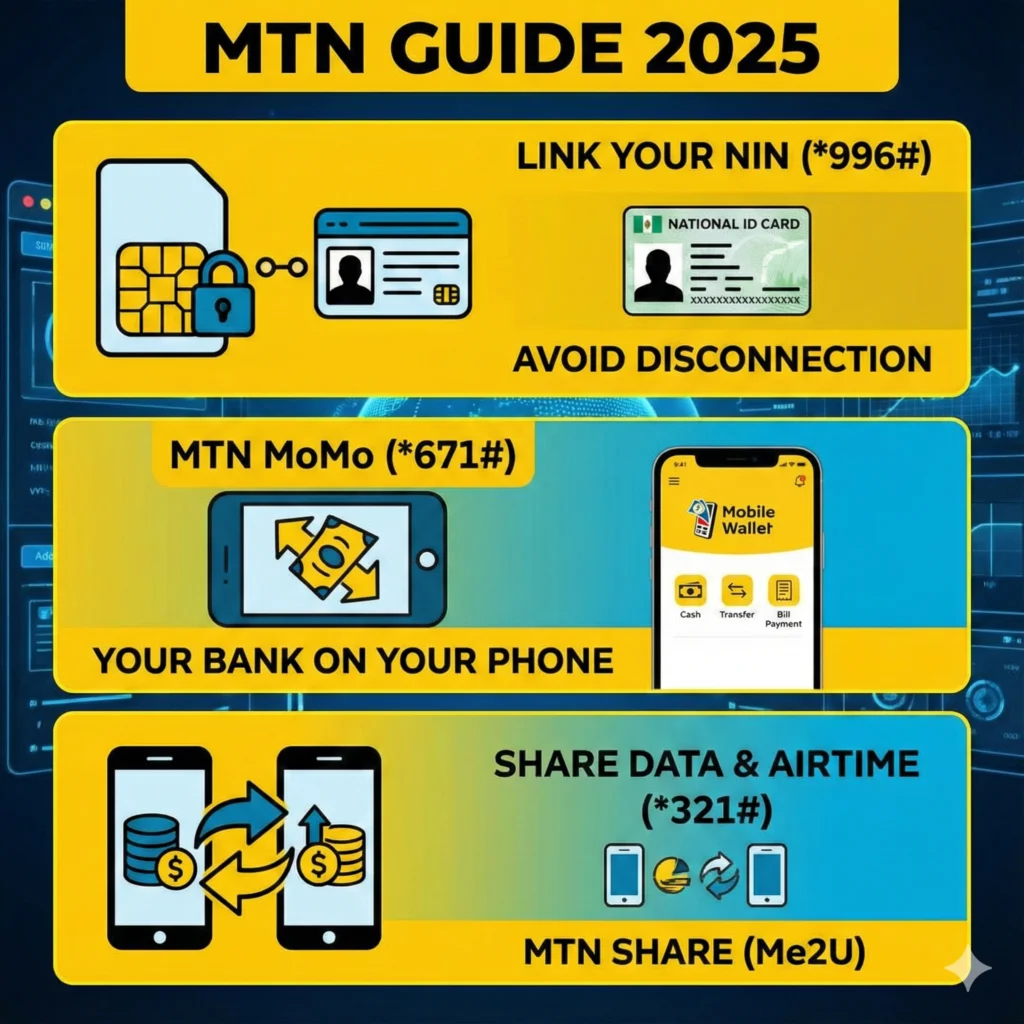
Part 2: MTN MoMo – Your Bank on Your Phone (*671#)
MoMo (short for Mobile Money) is MTN’s Fintech arm. It is a Payment Service Bank (PSB) approved by the CBN.
Why use MoMo instead of a regular bank app?
- No Data Needed: You can transfer money using just USSD.
- Zero Maintenance Fees: Unlike traditional banks that charge for “card maintenance,” MoMo is largely free to hold.
- Widespread Agents: There are MoMo agents in almost every street corner in Nigeria where you can deposit or withdraw cash (POS).
How to Create an MoMo Account
You don’t need to visit a bank.
- Dial *671#.
- Create a 4-digit PIN (Make it hard to guess! Do not use 1234).
- Confirm your details.
- Your phone number is now your account number.
Exploring the MoMo Menu (*671#)
Once active, dialing *671# opens a world of financial services:
- Transfer Money: Send money to another MoMo user or any Nigerian bank account (GTBank, Zenith, Opay, PalmPay, etc.).
- Buy Airtime/Data: You get a bonus when you buy airtime through MoMo.
- Pay Bills: NEPA Bills (Electricity), Cable TV (DSTV/GOTV), and Betting wallets.
The “MoMo Agent” Opportunity
If you are looking for a side hustle, becoming an MTN MoMo Agent is a lucrative business in 2025. Agents earn commissions on every deposit, withdrawal, and bill payment they process for customers in their neighborhood.
- To become an agent, you typically need to visit an MTN office with your CAC documents and ID.
Part 3: MTN Share (Me2U) – Sharing is Caring (*321#)
Have you ever had excess airtime while your friend is stranded with zero balance? Or maybe you have 10GB of data you can’t finish before it expires?
MTN Share (formerly Share ‘N’ Sell) allows you to transfer your resources.
Important: Security First (Change Your Default PIN)
By default, every MTN SIM comes with the transfer PIN 0000. Hackers know this. If your phone is stolen, they can empty your account in seconds.
Change your PIN immediately:
- Dial *321#.
- Select “Change PIN”.
- Enter Old PIN: 0000.
- Enter New PIN: (Choose 4 distinct numbers, e.g., 5821).
- Confirm New PIN.
How to Transfer Airtime (Credit)
To send credit to friends, family, or your other SIM:
- The Code: Dial *321*1*ReceiverNumber*Amount*PIN#
- Example: To send N500 to 08031234567, dial:
*321*1*08031234567*500*1234#
Fees: MTN charges a small transaction fee for transfers (usually between N10 and N50 depending on the amount).
How to Transfer Data (Data Gifting)
You can also transfer megabytes and gigabytes.
- The Code: Dial *321*2# (or use the harmonized code *312# and select “Gift Data”).
- Select “Transfer from Data Balance”.
- Enter the recipient’s number and the amount of MB/GB you want to send.
Limit: There is usually a daily cap (e.g., you can transfer up to 1GB or 5GB per day depending on your tariff class).
Part 4: Managing Your Account with “MTN Engage”
While USSD codes are great, the visual interface is better. MTN has launched platforms like MTN Engage and the myMTN NG App.
What is MTN Engage? It is an interactive platform often accessed via social apps (like Ayoba) or the web, allowing you to manage subscriptions, play games to win data, and access self-service options without memorizing codes.
Why download the myMTN NG App?
- No Codes: Just tap “Buy Data”.
- Usage Tracking: See exactly how much data you have used today.
- Exclusive Deals: The app often has “App-Only” 4G/5G bonuses that you cannot get via USSD.
Conclusion
Your MTN line is a powerful tool in 2025, but it requires proper management.
- Prioritize NIN: Dial *996# today if you haven’t. Do not risk disconnection.
- Activate MoMo: Dial *671# to have a backup bank account in your pocket.
- Secure Your Line: Change your default transfer PIN from 0000 to prevent theft.
By mastering these services, you stop being just a “subscriber” and start being a “power user” who controls their digital life.